
Stella Sora Beta Test
Your Complete Guide to Joining the Highly Anticipated Stella Sora Closed Beta Testing
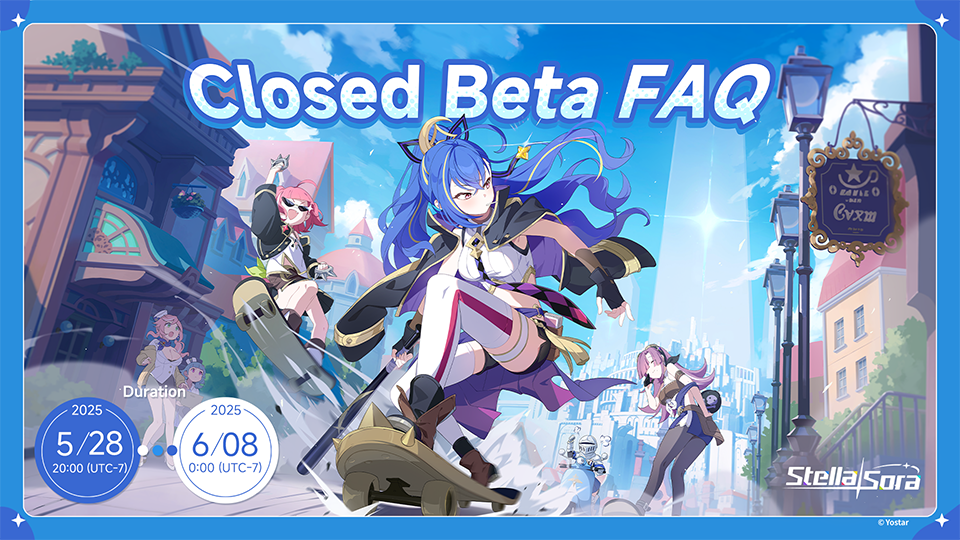
What is Stella Sora Beta Test?
The Stella Sora Beta Test offers players an exclusive early look at this breathtaking new RPG adventure. Experience the magical world before anyone else and help shape the final game with your valuable feedback.
Exclusive closed beta with selected participants only
Be among the first to explore the Stella Sora universe
Your feedback directly impacts the final game quality
Stella Sora Beta Test Requirements and Eligibility
Supported Platforms
PC (Windows)
Minimum requirements: Windows 10, 8GB RAM, DirectX 11 compatible GPU
Android
Android 8.0 or higher, 4GB RAM minimum, Vulkan support recommended
Account Requirements
- Valid Yostar account required for registration
- Must complete the comprehensive recruitment survey
- Selection based on random lottery from survey participants
- Access to valid email for notification delivery
How to Join Stella Sora Beta Test - Complete Step-by-Step Guide
Pre-register and Complete the Survey
Visit the official Stella Sora Closed Beta Test recruitment page and log in using your existing Yostar account. If you don't have one, you'll need to create a new account first.
- • Navigate to the official Stella Sora website
- • Click on "Beta Test Registration"
- • Log in with your Yostar credentials
- • Complete the detailed recruitment survey
- • Submit your application before the deadline
Wait for Selection Notification
After the recruitment period ends, eligible players are randomly selected based on survey responses. Selected applicants will receive official notification via email.
Important Email Tips
- • Check your spam and promotions folders regularly
- • Ensure your email can receive messages from @yo-star.com
- • Notifications are typically sent 1-2 weeks after registration closes
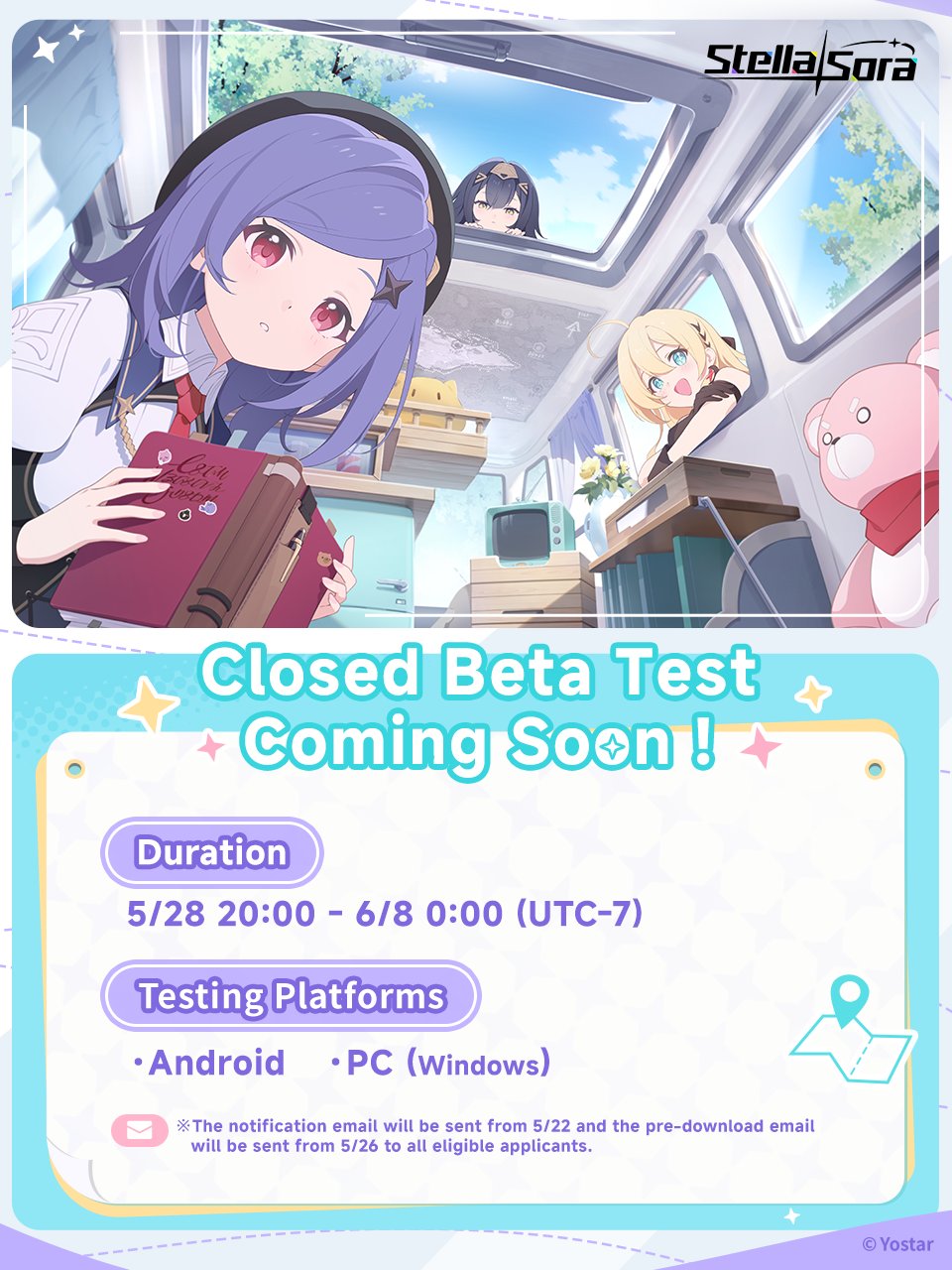
Participate in Community Events
Increase your chances of getting selected by participating in official Stella Sora community events. Follow their social media channels for additional beta access opportunities.
Social Media Giveaways
Follow official accounts for exclusive beta key distributions
Community Contests
Participate in fan art and content creation competitions
Discord Events
Join the official Discord server for community events
After Selection - Download and Play Stella Sora Beta
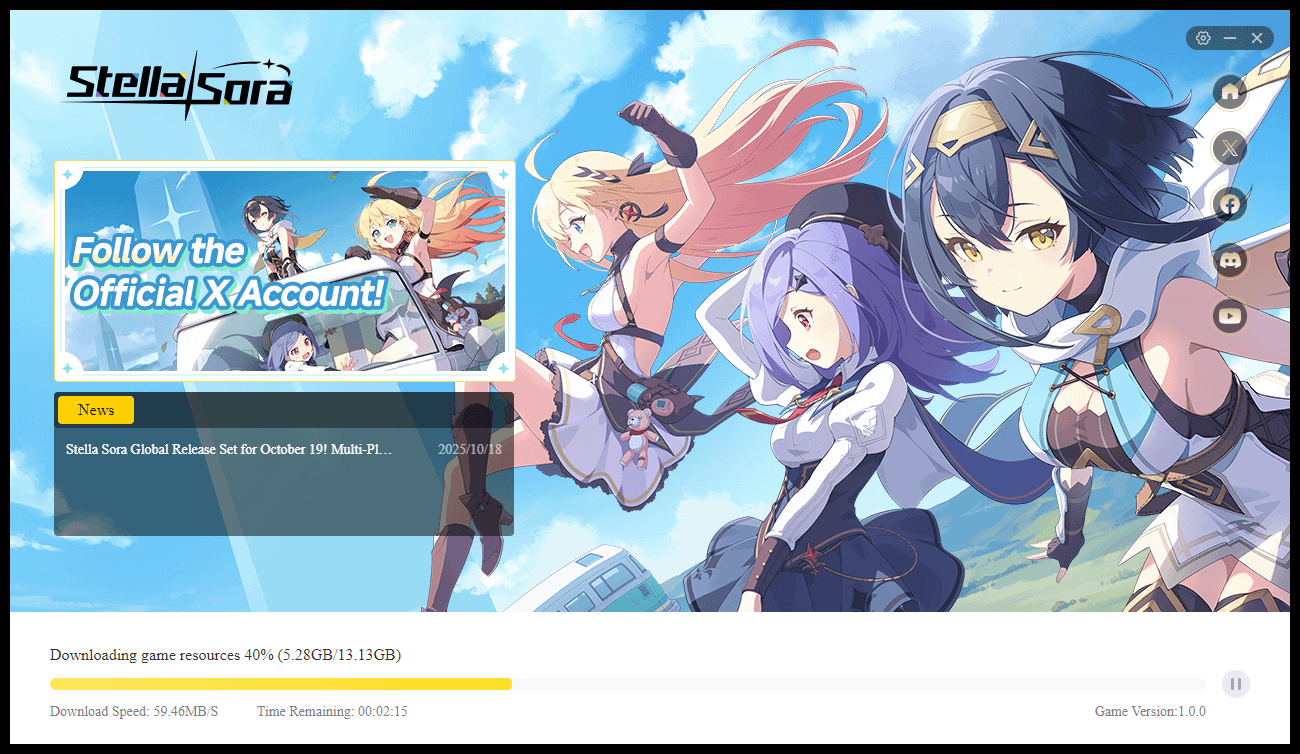
PC (Windows) Download Process
Check your email for the official notification with download instructions
Click the provided download link in the official notification email
Download and install the Stella Sora beta client on your Windows PC
Launch the game and log in with the Yostar account used for registration
Android Download Process
Look for the Google Play Store invitation link sent to your Gmail
Click the link to access the private Stella Sora beta page on Play Store
Install the game directly from the Google Play Store
Launch and log in with your registered Yostar account
Account and Login Information
Yostar Account Usage
- • Use the same Yostar account you registered with for both PC and Android
- • Your progress syncs across platforms with the same account
- • Ensure you remember your login credentials
Cross-Platform Play
- • Switch seamlessly between PC and mobile gameplay
- • Real-time synchronization of game data
- • Single account management for all platforms
Stella Sora Beta Test Important Information
Beta Test Limitations
Development Build
The game is still in development. Test content does not represent the final product quality.
Data Deletion
All game data, including progress and items, will be permanently deleted after beta conclusion.
No In-Game Purchases
In-game purchases will not be available during the beta test period.
Support & Feedback
Bug Reporting
Use the in-game feedback system to report bugs and provide suggestions to help improve the game.
Community Guidelines
Respect other players and follow the beta test NDA. Sharing unauthorized content is prohibited.
Stella Sora Game Preview
Experience the Magic
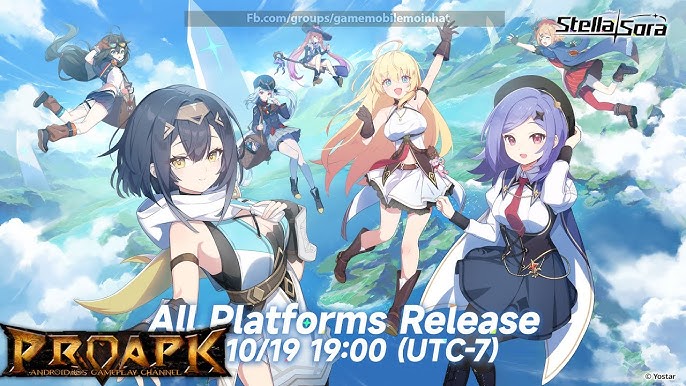
Stella Sora takes you on an unforgettable journey through magical realms filled with breathtaking visuals, compelling characters, and immersive storytelling. The beta test offers a glimpse into this extraordinary world.
Stella Sora Beta Test FAQ
When will I know if I'm selected for the beta?
Selected applicants typically receive notifications via email 1-2 weeks after the registration period closes. Make sure to check your spam folder regularly.
Can I stream or create content from the beta?
Beta test participants are usually bound by an NDA. Check the specific terms in your invitation email regarding content creation and sharing.
What happens if I encounter technical issues?
Use the in-game feedback system to report bugs. For account or download issues, contact customer support at [email protected].
Is there any reward for participating?
While specific rewards vary, beta testers often receive exclusive in-game items or recognition in the final game for their valuable feedback.
Can I participate on both PC and mobile?
Yes! With cross-platform progression, you can play on both PC and Android using the same Yostar account and sync your progress seamlessly.
Ready to Join Stella Sora Beta?
Don't miss your chance to be among the first to experience this magical adventure. Follow the steps above and embark on an unforgettable journey through the stars.
Stay Updated
Follow official Stella Sora social media channels and check the website regularly for the latest beta test announcements and registration dates.