
Where Can I Play Stella Sora?
Your Complete Guide to Accessing the Magical World of Stella Sora
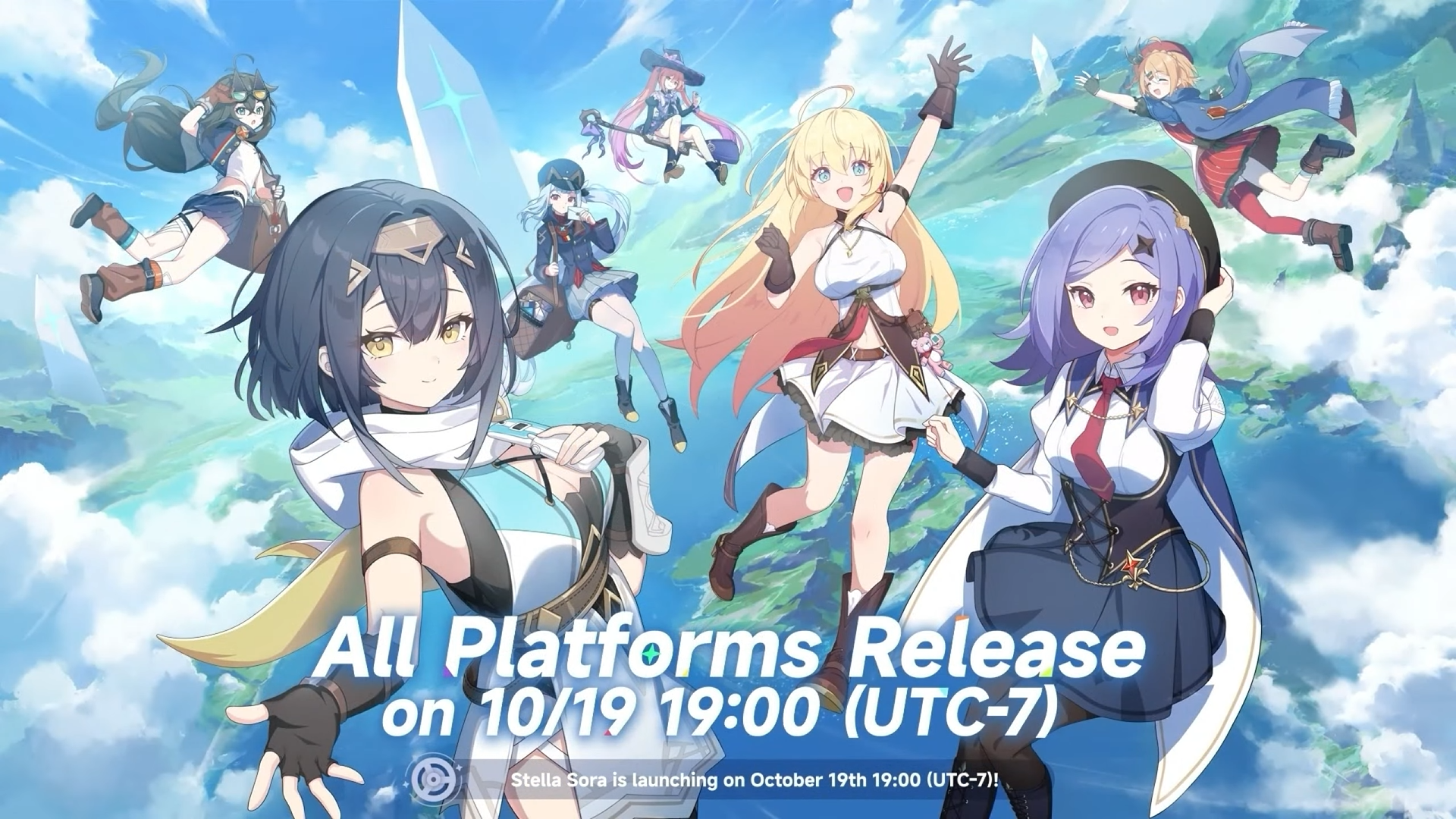
Stella Sora has taken the gaming world by storm with its enchanting storyline, stunning visuals, and immersive gameplay. Whether you're a seasoned gamer or new to the world of RPGs, this guide will show you exactly where and how you can join the adventure across all your favorite platforms.
Available Platforms for Stella Sora
PC (Windows)
Full HD experience with enhanced graphics and performance
iOS
Optimized for iPhone and iPad with touch controls
Android
Play on the go with various Android devices
How to Play Stella Sora on PC
Visit the official Stella Sora website at www.stellasora.com
Navigate to the "Download" section and select the PC version
Download the official Stella Sora launcher installer
Run the installer and follow the setup instructions to complete installation
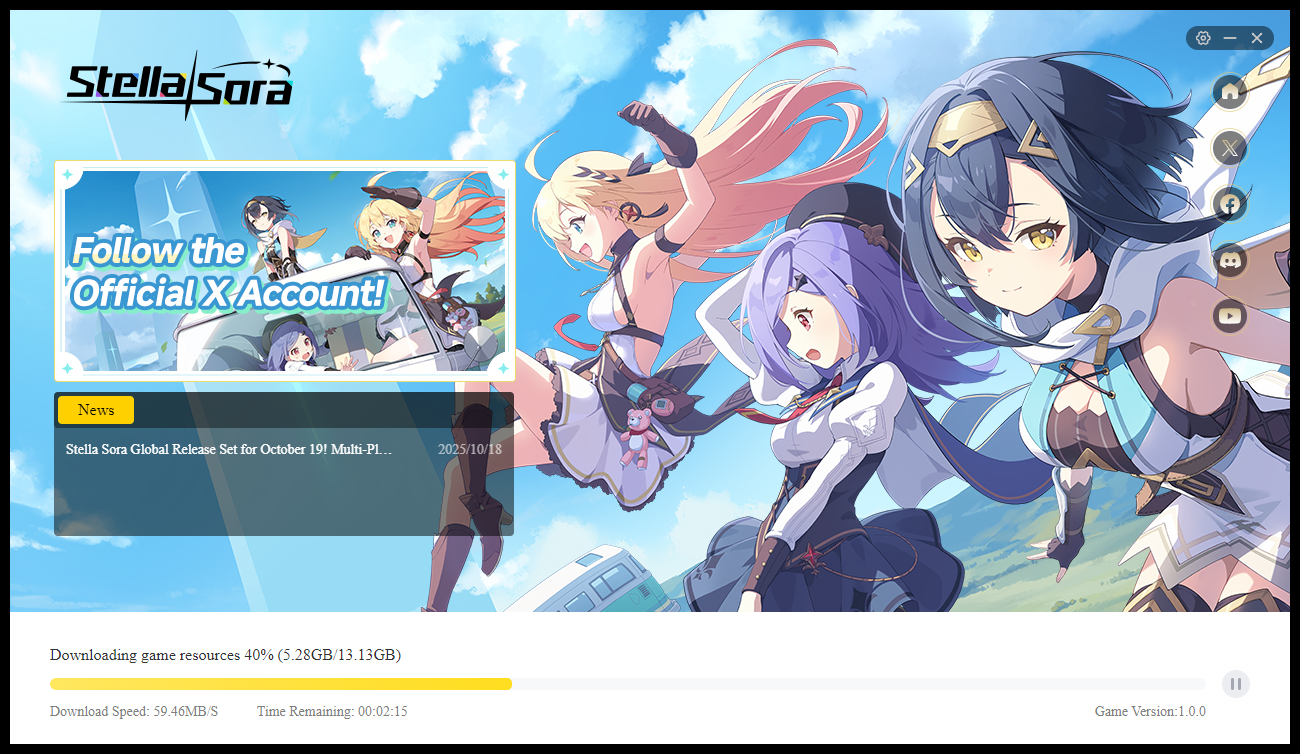
The PC version of Stella Sora offers the most comprehensive gaming experience with higher resolution textures, improved frame rates, and full keyboard and mouse support. The launcher also handles automatic updates, ensuring you always have the latest version of the game.
System Requirements: Windows 10 or later, 8GB RAM, DirectX 11 compatible graphics card, 15GB available storage space.
Playing Stella Sora on Mobile Devices
📱 iOS Installation Guide
Stella Sora is fully optimized for iOS devices, offering smooth performance on iPhones and iPads with intuitive touch controls designed specifically for mobile gameplay.
Steps to Download:
- Open the Apple App Store on your iOS device
- Search for "Stella Sora" in the search bar
- Tap on the Stella Sora game from the search results
- Tap "Get" to download and install the game
- Launch Stella Sora and create your account
🤖 Android Installation Guide
Enjoy Stella Sora on a wide range of Android devices with optimized performance and battery efficiency for extended gaming sessions.
Steps to Download:
- Open the Google Play Store on your Android device
- Search for "Stella Sora" in the search bar
- Select Stella Sora from the search results
- Tap "Install" to download and install the game
- Open the game and start your adventure
Why Play Stella Sora?
Immersive Gameplay Experience
- ✓ Rich storyline with multiple endings
- ✓ Stunning 3D graphics and environments
- ✓ Character customization and progression
- ✓ Multiplayer cooperative missions
Cross-Platform Benefits
- ✓ Cloud saves across all devices
- ✓ Same account works on PC and mobile
- ✓ Regular content updates and events
- ✓ Active community and developer support
Stella Sora Gameplay Preview
Watch this exciting gameplay trailer to see Stella Sora in action before you download:
Frequently Asked Questions
Is Stella Sora free to play?
Yes, Stella Sora is free to download and play with optional in-game purchases for cosmetic items and convenience features.
Can I transfer my progress between devices?
Absolutely! Stella Sora supports cloud saves, allowing you to seamlessly continue your adventure whether you're playing on PC, iOS, or Android.
What are the system requirements for mobile?
For iOS: iPhone 8 or later, iOS 14 or newer. For Android: Android 8.0 or newer, 4GB RAM minimum, Vulkan support recommended.
How often does Stella Sora receive updates?
The development team releases major content updates every 2-3 months, with smaller patches and bug fixes regularly in between.